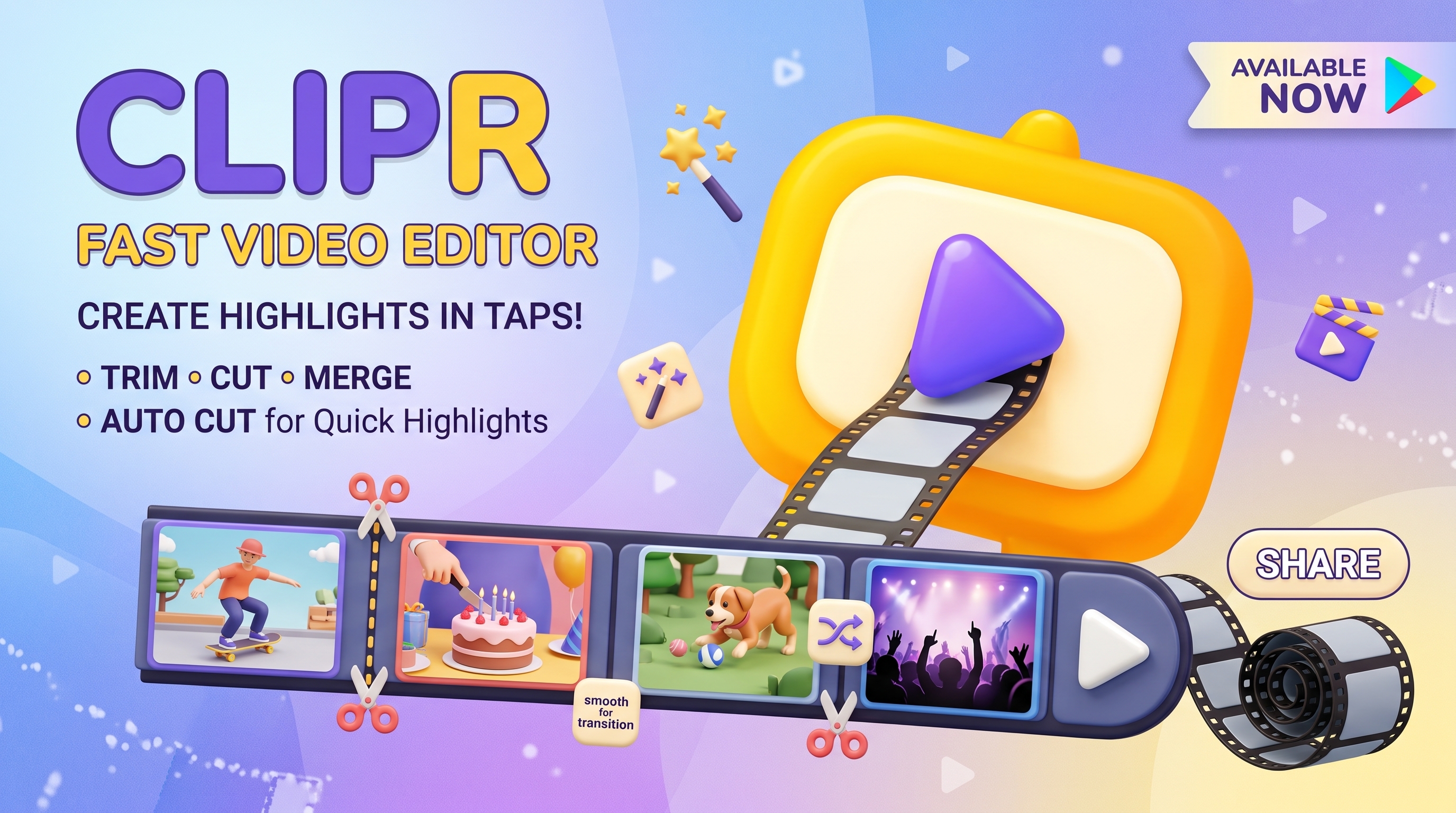

Clipr Quick Video Tools Feature Graphic
Clipr App Icon

Clipr: Quick Video Tools

Video Editor Jetpack Compose On-Device AI 100% Privacy-First

A lightweight, privacy-focused mobile video editing studio built with Jetpack Compose, Media3/ExoPlayer, and Google ML Kit. Cut, trim, merge clips, perform on-device subject segmentation, inject opening frames, and mix custom audio—entirely offline.

Key Features & Video Capabilities

Precision Trimming & Cutting

Frame-accurate trimming sliders with instant video timeline scrubbing powered by Media3/ExoPlayer hardware decoders.

Multi-Clip Video Merging

Combine multiple recorded videos and camera clips into a single continuous video with consistent resolution and audio harmonization.

On-Device AI Subject Segmentation

Harness Google ML Kit neural network models to isolate foreground subjects, replace backgrounds, or highlight people with zero internet connection.

Audio Mixing & Intro Frames

Inject custom still image title cards at the beginning of video projects and mix background music tracks with independent volume gain controls.

Offline Room SQLite Drafts

Never lose editing progress. All clips, timeline states, and project parameters are saved automatically in a private local SQLite database.

100% Private & Local Processing

All video frames and audio channels are rendered strictly on device hardware. Zero telemetry, zero external cloud dependencies.

Technical Specifications & Details

Developer Silverbyte Studio (SBS Apps)
Tech Stack Android Jetpack Compose, Media3 / ExoPlayer, Google ML Kit, Room SQLite
AI Processing 100% On-Device TensorFlow Lite / ML Kit Segmentation
Network Requirement 100% Offline (Zero internet connectivity required)
Privacy Policy Read Clipr Privacy Policy