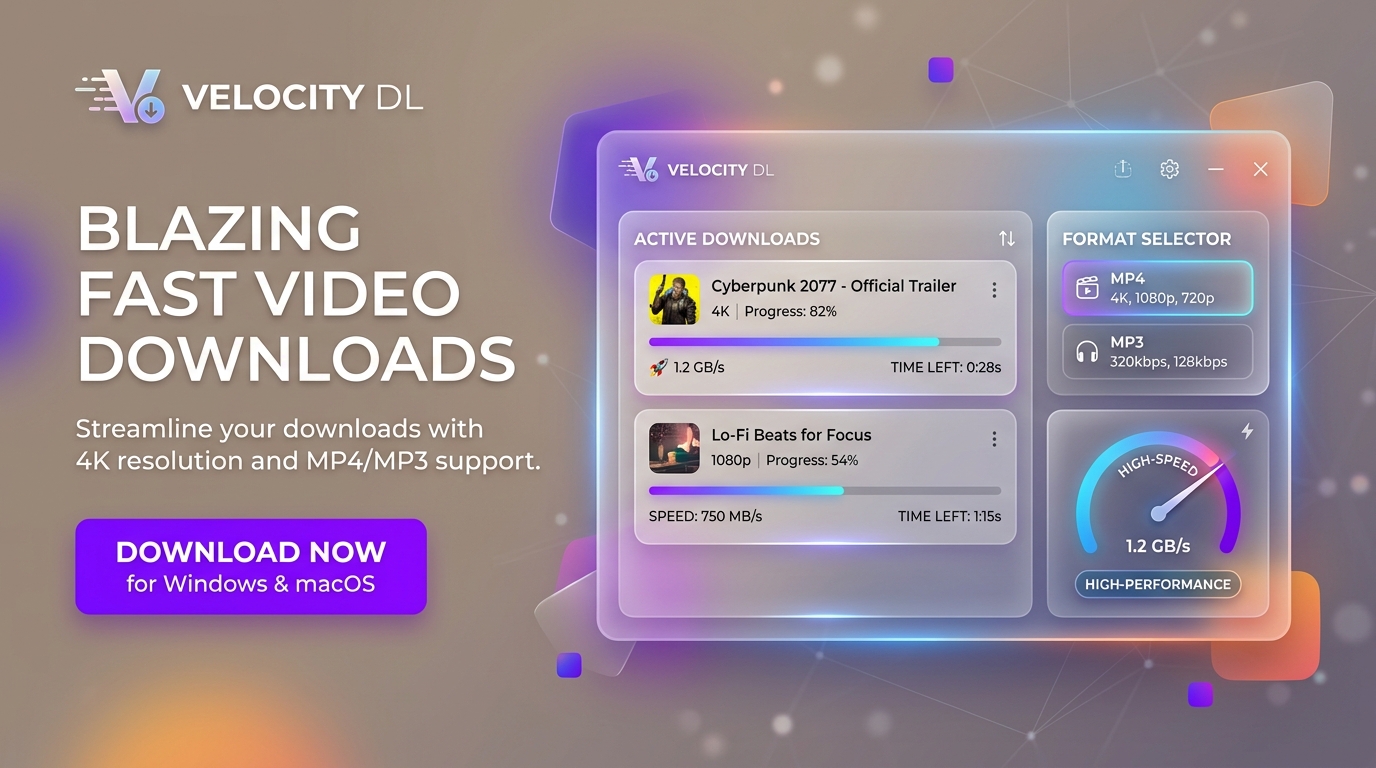

Video Downloader Feature Graphic
Video Downloader App Icon

Video Downloader

Windows Desktop Electron & React yt-dlp + FFmpeg TypeScript

Paste a link, get the file. A high-performance desktop application wrapping yt-dlp and FFmpeg, engineered for zero friction. Features smart clipboard prefill on focus, optimistic job scheduling, concurrent multi-downloads, granular quality chips, high-fidelity audio extraction, and smooth in-app media playback with range seeking.

Core Desktop Capabilities

Fast Two-Speed Interaction

Paste → Enter → Done. Download instantly with sticky smart defaults, or click the quality chip for granular format selection without slowing down your workflow.

Smart Clipboard Detection

When you alt-tab into the app with a copied URL, the input prefills automatically. Use global Ctrl+V anywhere in the window to start instantly.

Concurrent Queue Scheduler

Manage simultaneous downloads with configurable concurrency limits (1–8 jobs). Pause, resume, retry, or cancel jobs with persistent SQLite state and .part resumption.

Audio Extraction & Metadata

Direct audio extraction to MP3, M4A, and Opus formats with automatic high-resolution album artwork and ID3 metadata embedding powered by FFmpeg.

In-App Playback with Range Seeking

Play downloaded media directly inside the app with instant byte-range scrubber seeking, full keyboard shortcuts, and fallback handing for system players.

100% Private & Sandboxed

Strict context-isolated architecture with local custom protocols. No telemetry, no external server relays—all downloads stream directly to your local drive.

Technical Specifications & Details

Developer Silverbyte Studio (SBS Apps)
Tech Stack Electron, React 19, TypeScript, Vite, better-sqlite3
Engines yt-dlp (CLI wrapper) & FFmpeg (GPL Media Transcoder)
Supported Platforms Windows 10, Windows 11 (64-bit per-user NSIS installer & portable)
Data Privacy Model 100% Local Processing & Direct Connection (Zero analytics, zero tracking)